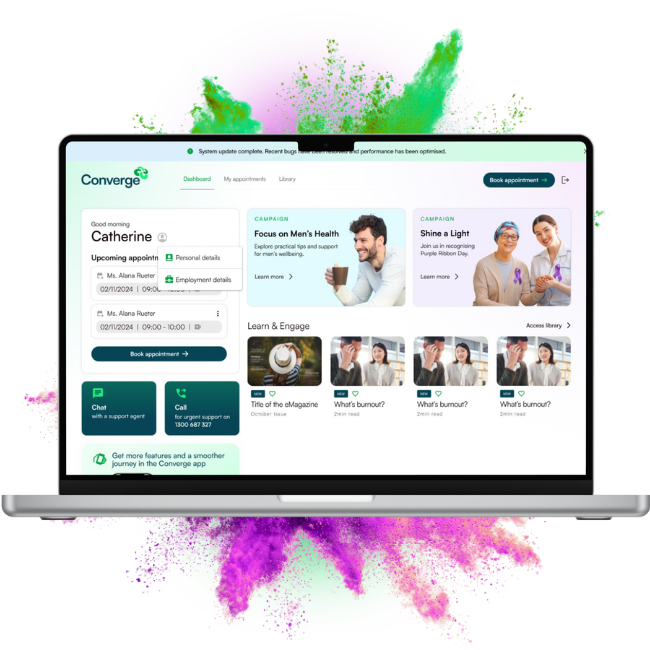
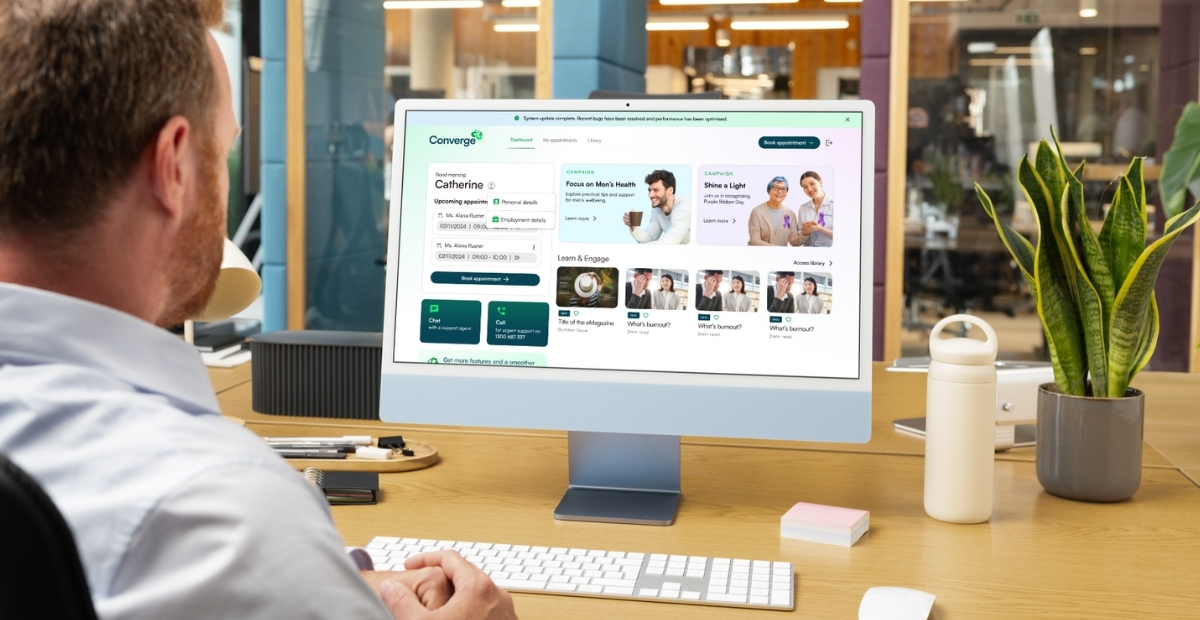




Take a look at all the new features elevating your employees' booking experience
Employees can now access all the great resources available in the app from their browser on their computer, tablet, and mobile via our enhanced online booking portal! We've also given the portal a new name: Employee Wellbeing Portal. Take a look at all the new and/or enhanced features:
Click a chip to explore.
.png)
Wellbeing articles for greater wellbeing management
Employees can explore a growing library of wellbeing articles designed to support healthier habits, deeper understanding, and more proactive self-management across work and life.
.png)
Here's how to promote our Wellbeing Portal
Promotion is simple. Download and share our Wellbeing Portal poster to highlight the new features available to your employees. Share it in meetings, emails, and across your workplace to build awareness. With no changes to access or URLs, employees will naturally discover the updates when they log in.
We'd also like to note: The way your employee's accessed their wellbeing portal hasn't changed. Neither have URLs, usernames and passwords, organisation codes and links to our online booking portal.
How to register & access our Wellbeing Portal
Choose how your employees enter the portal
Head to the Converge website
Employees can start from the Converge website and head straight into the Wellbeing Portal from there.
.png)
Or, directly to the Wellbeing Portal
They can also go straight to the Wellbeing Portal and begin the login or registration process immediately.
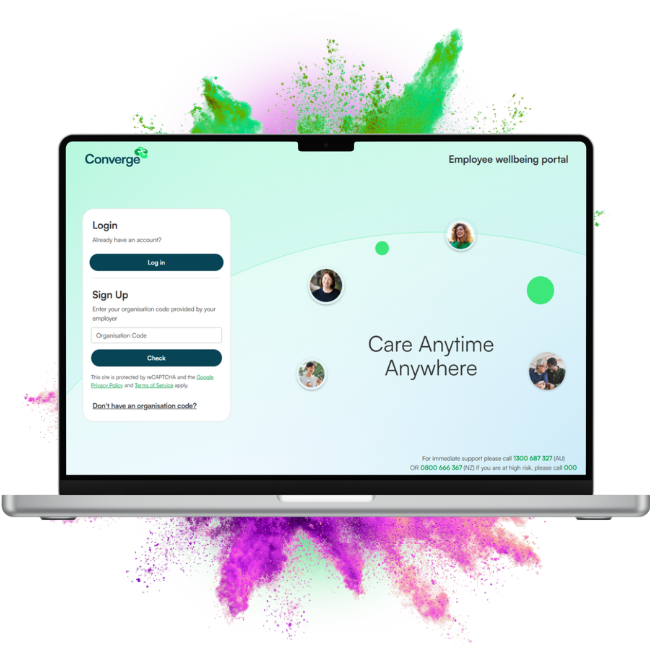
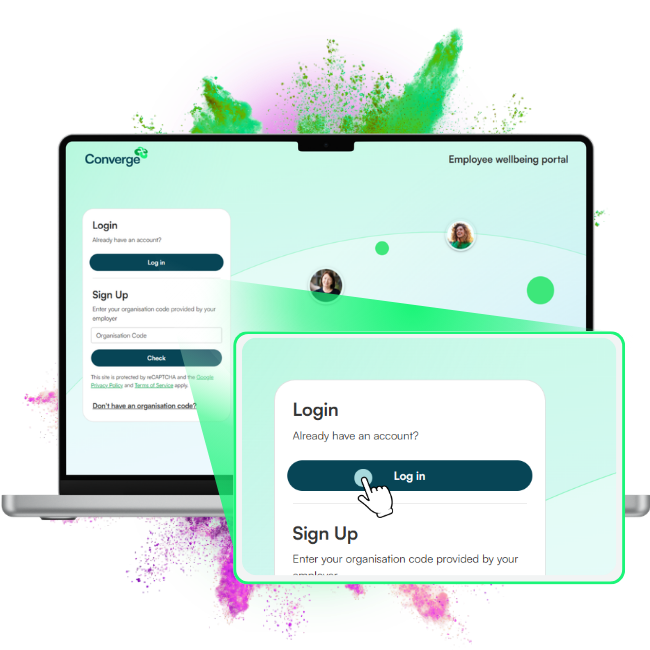
Log in or register
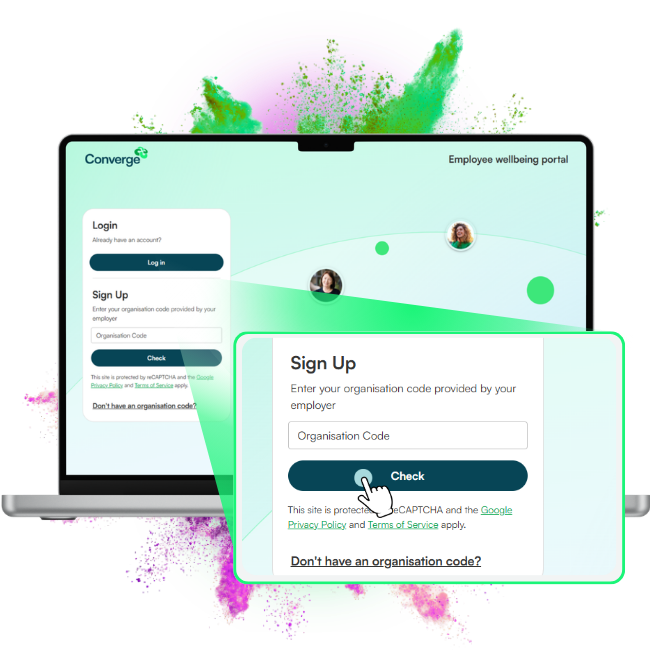
Click log in if your employees already have an existing account and they’re ready to start exploring.
They can use the same login details they use for the Converge App to access their Wellbeing Portal.
Or, click register if your employee hasn’t created an account yet.
For new registrations, employees need to enter their organisation code, so don’t forget to include it when communicating these updates. Once the organisation code is entered, they need to click check to proceed, then select sign up.
Set up the account
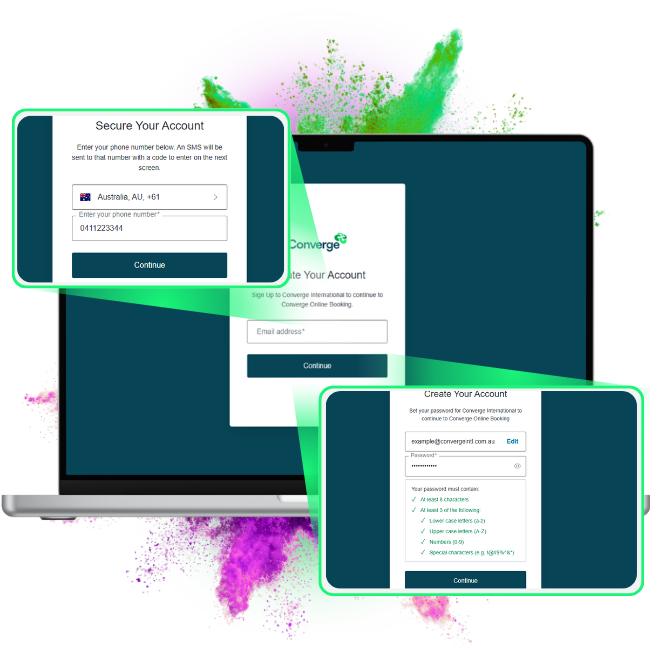
From here, your employees need to enter their personal details, choose a password, and set up their account.
All set
That’s it — all done. Your employees have created an account and are ready to use our Wellbeing Portal.